NAVARATRI SPECIAL OFFER

🚀 INTRODUCING THE
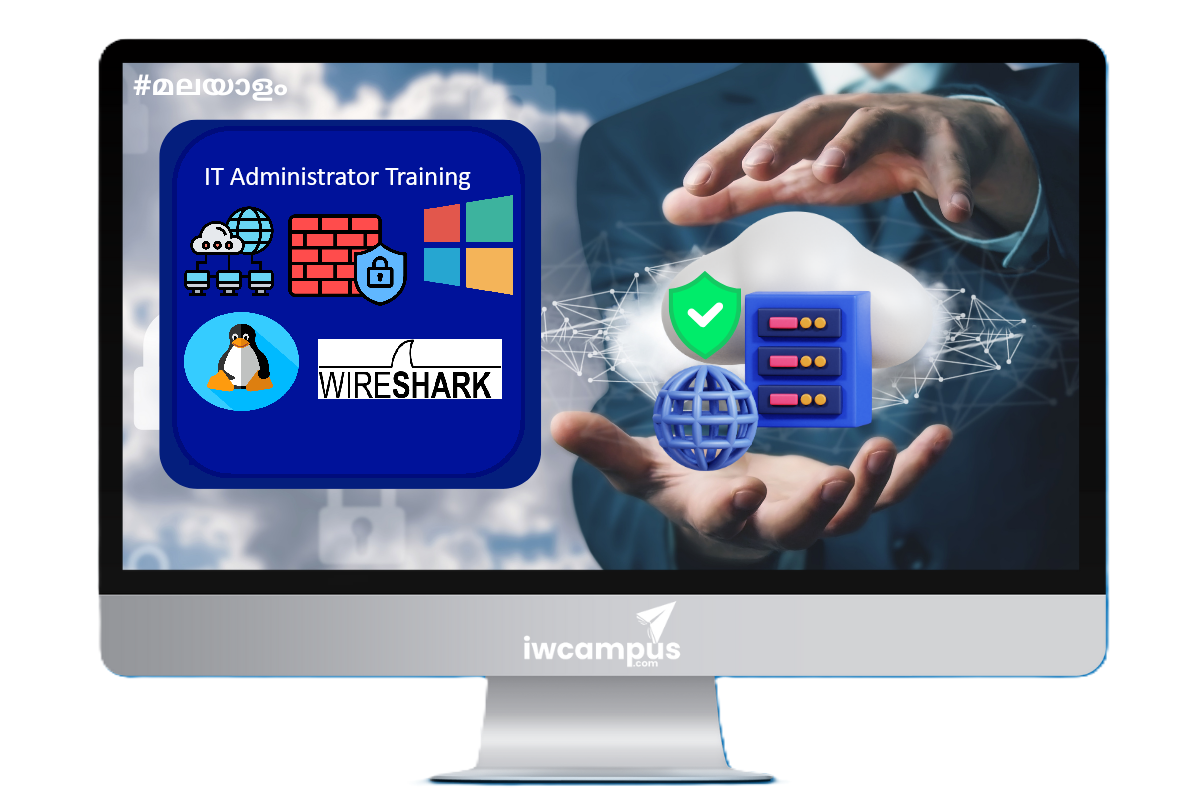
IT ADMINISTRATOR BUNDLE

Your Next-Level IT Learning Starts Here

♾️ ENJOY LIFETIME
COURSE ACCESS

Learn Today. Revisit Anytime.

🪔 EXCLUSIVE
NAVARATRI DISCOUNTS

Festival Savings. Career Upgrades.

🔥 SPECIAL
UPGRADE OFFERS

EXPLORE THE OFFER →
``` Network Security Training Malayalam

IT ADMINISTRATOR TRAINING BUNDLE - PACKAGE

Language: Malayalam

₹29997 73.33% OFF

₹7999 including VAT

LIFETIME COURSE VALIDITY! | 2 years of Trainer Support

Whats included

Course Lifetime validity

Trainer Support - 2 Years

Course Completion Certificate -Digital

Course Access via Web and Mobile App

Course Curriculum

Comprehensive syllabus covering networking, multi-vendor firewalls, system administration, and traffic analysis.

Network Training
Module 1: Introduction to Computer Network
  • How is your home network connected
  • Why we need a network
  • Types of Network
Module 2: Network Connections
  • Network Cable Types
  • Ethernet Standards
  • Wireless Standards
Module 3: Network Fundamentals
  • Network Protocol Introduction
  • OSI Model
  • Internet Protocol (IP)
  • Transmission Control Protocol (TCP)
  • User Datagram Protocol (UDP)
  • TCP/IP
  • MAC Addressing
  • Transmission Techniques
Module 4: Network Infrastructure Devices
  • Network Infrastructure Devices Introduction
  • Network Interface Cards (NICs)
  • Network Servers
  • Hubs and Switches
  • Routers
  • Wireless Routers and Access Points
  • Firewalls
  • IP Phones
  • IP Camera
  • IoT and Smart devices
Module 5: LAB Setup
  • Lab Setup Overview
  • Cisco Packet Tracer
  • Cisco ML
  • GNS3 and EVE-NG
Module 6: Network Access
  • Basic Network Setup Overview
  • Connecting Devices
  • IP Address - IPv4
  • Telnet and SSH
  • Getting Started with Cisco CLI
  • ICMP
  • Application Protocol
  • Understanding VLANs
  • Configure VLAN
  • Trunk and Access Port
  • Native VLAN
  • Voice VLAN
  • Inter-VLAN Communication
  • ARP and MAC address Table
  • How a Layer 2 switch works
  • Management Access (OOB)
  • Deploy Management Access
  • Deploy Jump host
  • CDP and LLDP
  • Spanning Tree Protocol
  • How STP works
  • STP Path Cost Calculation
  • PVST and RPVST Configuration
  • MSTP Overview
  • MSTP Deployment
  • VTP Configuration
  • Ether Channel
  • Jumbo Frames
  • DNS Overview
  • DNS Configuration
  • DHCP
  • DHCP Configuration Scenario 1
  • DHCP Configuration Scenario 2
  • How to setup a New Switch
  • Setup Small Office Network
Module 7: IP Connectivity
  • Routing Fundamentals
  • Static Routing
  • Default Route
  • Redundancy and Failover
  • HSRP
  • VRRP
  • Load balance using VRRP and HSRP
  • Router ACLs
  • Standard ACL Deployment
  • Extended ACL Deployment
  • Setup a Campus Network
  • Dynamic Routing Protocols
  • RIP
  • OSPF Basics
  • OSPF LSA Types
  • OSPF Configuration – Single Area
  • OSPF Configuration – Multi Area
  • NAT Overview
  • Setup a HO and Branch Office Network 1
Module 8: Device Management
  • How to take configuration backup
  • Restore Config from Backup
Fortigate Firewall Training
Module 1: Getting Started
  • FortiGate Models Licensing and Help Documentation
  • Fortigate Deployment Methods
  • FortiCloud
  • Fortigate Cloud Activation
Module 2: Deployment and Lab Setup
  • How to setup lab
  • Lab setup overview
  • Launch Fortigate Firewall on AWS Cloud
  • Fortigate Physical Interfaces
  • Final steps on AWS Deployment
Module 3: Fortigate Firewall Basic Setup
  • Fortigate Management Portal Overview
  • Fortigate Virtual Interfaces
  • Firewall Zones
  • FortiCloud Activation
Module 4: Fortigate System Settings
  • Fortigate System Settings
  • Certificate management in Fortigate
  • Fortigate Firewall Feature Visibility
  • Fortigate Administrator Users and Roles
Module 5: Firewall Policy and Security Profiles
  • 5 Tuple and Next Generation Firewalls
  • How Firewall policy works
  • Fortigate Firewall policy components
  • First Firewall Policy to allow internet
  • Fortigate Flow and proxy based inspection mode
  • Fortigate Firewall Policy Objects
  • Fortigate SSL Inspection Profile
  • Fixing Certificate errors on browsers
  • Fix SSL Inspection certificate error in Firefox
  • Antivirus Profile
  • Web Filtering
  • Replacement messages
  • DNS Filter Profile
  • Video Filter Profile
  • Fortigate Application Control
  • Intrusion Prevention Profile
  • File type Filter
  • Port Forwarding with Virtual IP
Module 6: Network Services
  • Fortigate DNS
  • Routing in Fortigate
Module 7: Fortigate VPN
  • Fortigate VPN - Site to Site
  • Hub and Spoke VPN
  • Configuration changes applied in VPN Wizard
Sophos Firewall Training
Module 1: Introduction to Security Architecture
  • Introduction to Firewalls
  • Threats and Attacks
  • Introduction to Perimeter Security
  • Introduction to UTM
  • Zero Trust Security Model
Module 2: XG Installation and Setup
  • Planning and Sizing
  • Sophos XG Firewall: Licensing guide
  • XG Install and Setup
  • Update: Sophos XG vs XGS
  • Initial setup via GUI
  • XG Control Center
Module 3: System Configuration
  • XG Administration
  • Backup and Firmware
  • System Profiles
  • Hosts and Services
  • Certificate Management
Module 4: Networking
  • Zones, Interfaces and VLAN
  • DNS and DHCP
  • Firewall Rule
  • NAT
  • Routing
  • SSL Decryption
  • DoS and Spoof Prevention
  • SPAN vs TAP
  • WAN Link Manager
  • XG VPN
  • Jumphost
Module 5: Web and App Control
  • Intrusion Prevention Policy (IPS)
  • WAF Rules
  • Web Filtering
  • Traffic Inspection
Module 6: Cloud Deployment
  • XG Azure Cloud Deployment
  • XG Deployment on AWS Cloud
Microsoft 365 Admin Center
Module 1: Getting Started with Microsoft 365
  • Introduction to Microsoft 365
  • Microsoft 365 License and Subscription
  • M365 Planning
  • How to register your M 365
  • M 365 Initial Setup
Module 2: User and Group Management
  • Add M365 to existing Azure AD
  • Assign M365 License to Azure AD Users
  • Create Users
  • Create users using User Templates
  • M365 Groups
  • User Management
  • Shared Mailbox and Deleted Groups
  • MFA - Multi Factor Authentication
Module 3: Device Management and DNS Settings
  • Managed Devices
  • Autopilot
  • Device Policies
  • Department and Roles
  • Custom Domain and Org Settings
  • Complete DNS Settings for M365 Services
  • Join device to Azure AD and activate M365 Apps
  • Outlook Client Setup
Module 4: Teams Management
  • Teams and Group Introduction
  • Teams App Setup
  • Teams chat and meeting options
  • Team Settings
Module 5: Billing and Settings
  • Billing and Subscriptions
  • Reports
  • Service Health
Windows Server
Module 1: Windows Server Introduction
  • Windows Server Introduction
  • Server Hardware prerequisites
  • Windows Server Editions and Licensing
  • Windows Server Installation and Lab Setup
  • Initial Configurations
Module 2: Server Administration
  • Windows Server Manager
  • Windows Admin Center
  • Powershell
  • Jumphost
  • Jump host deployment
  • Learner Feedback
Module 3: Domain and Directory Service
  • Active Directory and Domain Service Overview
  • Trees Forest TLD and Trust
  • Active Directory installation
  • Workgroup vs Domain
  • User and Group
  • Active Directory Tools
  • Global Catalog Servers
  • User and Group Configuration
  • Join devices to Domain
  • Azure AD and On Premise ADDS
  • Azure AD and Custom Domain mapping
  • Azure AD Users
  • Azure Groups
  • External Identities
  • Azure AD Sync
  • AD Sync Customization
  • Hybrid Azure AD
Module 4: Group Policy
  • Group Policy Overview
  • Group Policy Planning
  • User GPO Deployment
  • Computer GPO Deployment
  • Group Policy Order of Precedence
  • Starter GPO
  • GPO Troubleshoot
  • Steps to create group policy using Azure ADDS
Module 5: Network Services
  • Windows DHCP Configuration
  • Subnet Calculation
  • DHCP and Multiple Network Segments
  • How DNS Works
  • DNS Records
  • Windows DNS Overview
  • DNS Structure
Linux Administration
Module 1: Getting Started with Linux
  • Introduction to Operating System
  • Operating System Basics
  • Linux Operating system overview
  • Linux Command Syntax
  • Redhat Server Installation
  • Redhat Console and GUI
  • Ubuntu Server Installation
Module 2: Directories and File Management
  • Linux Directory Structure
  • Working with Directories
  • Working with Files
  • File and Directory Management
  • Search and Find files
  • File and Directory Permissions
  • Managing Permissions
  • Input output and redirection
Module 3: Linux Administration
  • Linux Shell
  • Enabling SSH for Remote Management
  • User Privileges
  • Remote file transfer
  • UID and GID
  • Processes and Job Control
  • Scheduling Repeated Jobs with Cron
  • Installing Software on Linux
Wireshark Packet Analysis
Module 1: Introduction to Packet Analysis
  • OSI Model
  • Packet Analysis
  • Wireshark as a Tool
  • TCP Dump on Linux
  • Packet Capture on Windows
  • Basic Packet Filtering
  • SPAN vs TAP
  • Log vs Packet Capture
Module 2: Traffic Analysis
  • ARP Packet
  • ICMP Packet
  • IPV4 Packet
  • TCP Packet
  • TCP Handshake in detail
  • UDP Packet
  • DHCP Packets
  • DNS Packet
  • HTTP Packet
  • SSL and TLS decryption
  • FTP Packets
  • IO Graph and TCP Graph
Module 3: Network Traffic Analysis
  • CDP and LLDP
  • Spanning Tree Protocol
  • DTP
Module 4: Troubleshooting
  • Traffic return path issue